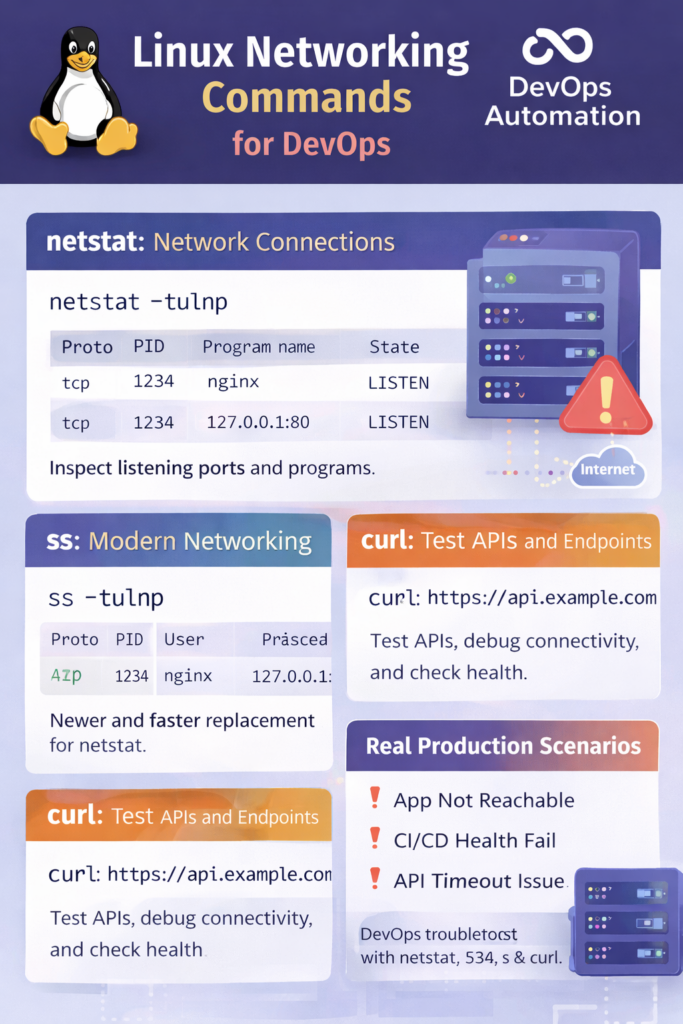
Linux Networking Commands for DevOps (netstat, ss, curl) – Production Troubleshooting Guide
? Introduction
Linux networking commands for DevOps are critical for diagnosing production issues related to connectivity, ports, APIs, and services.
In real DevOps environments, problems often appear as:
- Application not reachable
- API timeouts
- Service not listening on a port
- Load balancer health check failures
When this happens, DevOps engineers rely on Linux networking commands for DevOps to quickly identify and resolve the issue.
This guide explains netstat, ss, and curl with real-world DevOps use cases, not just command syntax.

? Why Networking Knowledge Is Essential for DevOps
DevOps engineers work daily with:
- Cloud servers
- Containers and Kubernetes
- CI/CD pipelines
- APIs and microservices
Every deployment, health check, and alert involves networking.
Without understanding Linux networking commands for DevOps, troubleshooting becomes slow and risky.
? netstat – Checking Network Connections and Ports
netstat is a classic command used to inspect network connections.
Common DevOps Usage
netstat -tulnp
What this shows:
- Listening ports
- Protocols (TCP/UDP)
- Process using the port
Real DevOps Use Case
? Application deployed but not accessible
? Check if service is listening on expected port
netstat -tulnp | grep 8080
Even though netstat is older, many production systems still use it.
? ss – Modern Replacement for netstat
ss is faster and more efficient than netstat.
Common DevOps Command
ss -tulnp
Why DevOps engineers prefer ss:
- Faster execution
- Better output
- Actively maintained
Production Scenario
? Kubernetes node troubleshooting
? Check open ports and active connections
Understanding ss is essential for Linux networking commands for DevOps.
? curl – Testing APIs and Endpoints
curl is one of the most-used Linux networking commands for DevOps.
Basic Usage
curl http://localhost:8080
Checking HTTP Status
curl -I https://example.com
API Debugging
curl -X GET https://api.example.com/health
DevOps Use Case
- Testing application health
- Debugging API failures
- Verifying deployments
If curl works but the app doesn’t, the issue is likely not networking.
? Real Production Scenarios (Very Important)
? Scenario 1: Application Not Reachable
Steps:
- Check port using
ssornetstat - Test endpoint using
curl - Verify firewall or security group
? Scenario 2: CI/CD Health Check Failing
Steps:
- Use
curlto test health endpoint - Check response status
- Inspect networking rules
? Scenario 3: API Timeout Issue
Steps:
- Use
curl -vfor detailed output - Check DNS and routing
- Validate service availability
These scenarios show why Linux networking commands for DevOps are production-critical.
? Common Beginner Mistakes
- Assuming application issues are always code-related
- Ignoring port conflicts
- Not testing APIs manually
- Confusing firewall issues with service failures
Avoiding these mistakes improves both production confidence and interview performance.
? Why Interviewers Ask Networking Questions
Interviewers test:
- Debugging mindset
- Understanding of real systems
- Ability to isolate problems
Common questions:
- How do you check open ports?
- Difference between netstat and ss?
- How do you test an API from a server?
Strong answers require hands-on knowledge of Linux networking commands for DevOps.
? Internal & External Links
Internal Links
- Linux Processes & Signals for DevOps
- Linux Permissions for DevOps
- Phase 2 – Linux & Networking Basics
External Link (Add ONE)
Official Linux documentation
