
Phase 6: Containers & Kubernetes Basics – DevOps Guide
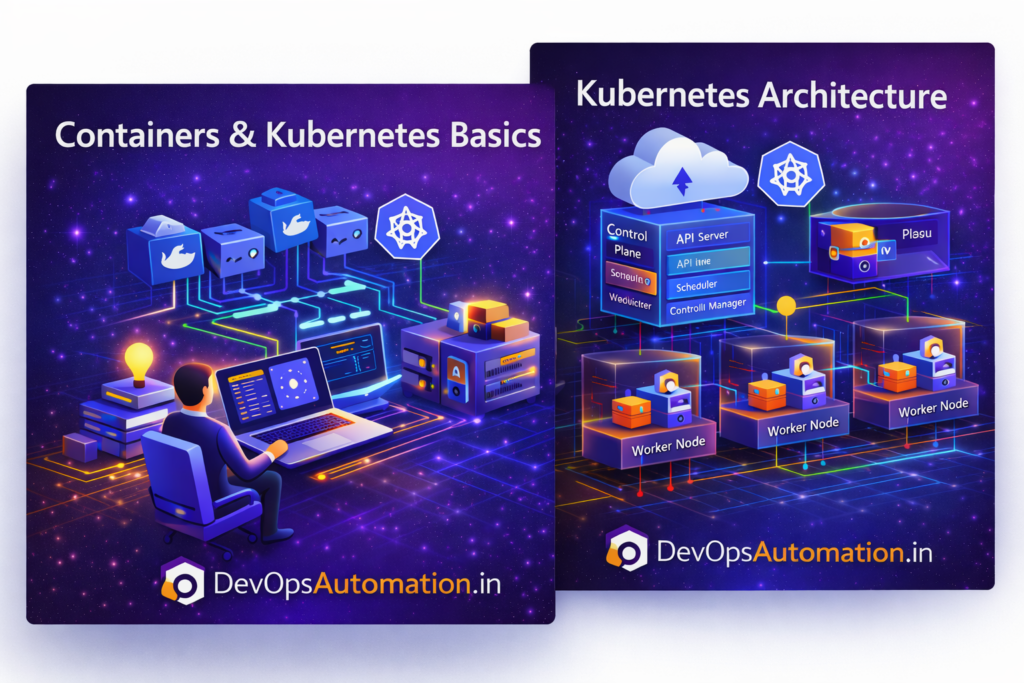
? Containers & Kubernetes Basics
Containers & Kubernetes Basics is a critical phase in the DevOps Roadmap 2026.
After learning cloud infrastructure, DevOps engineers must understand how applications are packaged, deployed, and managed consistently across environments.
Containers & Kubernetes Basics help DevOps teams deploy applications reliably, scale efficiently, and maintain high availability in production systems.
What Are Containers?
Containers are lightweight, portable units that package:
- Application code
- Dependencies
- Runtime environment
Containers ensure applications run the same way across development, testing, and production.
This consistency is one of the core principles behind Containers & Kubernetes Basics.
Containers eliminate environment-related issues and make DevOps workflows predictable.

Docker and Containers & Kubernetes Basics
Docker is the most widely used container platform in DevOps.
Using Docker, teams can:
- Build container images
- Run applications in isolated environments
- Push images to container registries
- Integrate containers into CI/CD pipelines
Docker plays a foundational role in Containers & Kubernetes Basics by enabling portability, speed, and consistency across environments.
Why Kubernetes Is Required
Running a few containers manually is manageable.
Managing hundreds of containers across multiple servers is not.
Kubernetes solves this problem by:
- Orchestrating containers
- Automatically restarting failed containers
- Managing scaling and availability
- Supporting rolling deployments and rollbacks
Kubernetes is the orchestration engine behind Containers & Kubernetes Basics in modern DevOps environments.
Containers & Kubernetes Basics – Core Concepts
? Container Image
A read-only template used to create containers.
? Pod
The smallest deployable unit in Kubernetes, containing one or more containers.
? Service
Provides stable networking and access to pods.
? Deployment
Controls application updates, scaling, and self-healing behavior.
Understanding these concepts is essential for mastering Containers & Kubernetes Basics.
Kubernetes Architecture (High Level)
A Kubernetes cluster consists of:
- Control plane components
- Worker nodes
- Networking and storage layers
DevOps engineers focus on deploying applications and managing configurations rather than managing individual servers.
? How Containers Actually Work Behind the Scenes (Beginner Friendly)
When people first learn Containers & Kubernetes Basics, they often think containers are just lightweight virtual machines. In reality, containers work very differently.
A container does not create a full operating system. Instead, it shares the host machine’s Linux kernel and isolates only the application processes, file systems, and network namespaces. This is why containers start in seconds and consume far fewer resources compared to virtual machines.
When you build a Docker image, it contains everything your application needs to run — application binaries, libraries, runtime, and configuration files. When the image runs, Docker creates a container instance from that image.
This architecture provides three major advantages for DevOps teams:
First, containers are extremely fast to start and stop. This allows CI/CD pipelines to spin up test environments dynamically and destroy them once testing is complete.
Second, containers guarantee environment consistency. The same image that runs on a developer laptop will behave exactly the same on staging and production servers.
Third, containers improve infrastructure utilization. Multiple containers can run on the same host without wasting memory or CPU.
Understanding how containers isolate processes, file systems, and networking is an important part of mastering Containers & Kubernetes Basics in real-world environments.
? Why Kubernetes Became the Industry Standard for Orchestration
Before Kubernetes, teams managed containers manually or used simple orchestration tools. As applications grew into microservices with dozens or hundreds of containers, manual management became impossible.
Kubernetes solved this problem by introducing a declarative model. Instead of telling the system how to run containers step by step, engineers define the desired state of the application. Kubernetes continuously works to maintain that desired state.
For example, if you declare that your application should always have three running replicas, Kubernetes automatically:
Schedules containers on available nodes
Restarts containers if they crash
Recreates pods if nodes fail
Balances traffic using services
Performs rolling updates safely
This automation removes operational burden from DevOps teams and increases platform reliability.
Another major reason Kubernetes became the standard is its strong ecosystem. Cloud providers, monitoring tools, security platforms, and CI/CD tools integrate directly with Kubernetes. This makes Kubernetes a natural foundation for modern DevOps platforms.
Learning Kubernetes deeply is no longer optional — it is a core requirement for engineers working with cloud-native systems.
? Kubernetes Networking and Service Discovery (Simple Explanation)
Networking often confuses beginners when learning Containers & Kubernetes Basics. Kubernetes abstracts networking so that containers can communicate without knowing physical server details.
Each pod receives its own IP address inside the cluster. Containers inside a pod communicate using localhost, while pods communicate using internal cluster networking.
Services provide stable access to pods. Even if pods are recreated or rescheduled, the service IP remains constant. This ensures that applications can always find each other reliably.
Common service types include:
ClusterIP – Internal access inside the cluster
NodePort – Exposes service on node IP
LoadBalancer – Exposes service using cloud load balancers
Kubernetes also supports DNS-based service discovery. Applications can communicate using service names instead of IP addresses.
Understanding Kubernetes networking simplifies troubleshooting and improves system design quality.
? Storage and Persistent Data in Kubernetes
Containers are ephemeral by nature. When a container restarts, its local filesystem is lost. Real applications often need persistent data such as databases, logs, or uploaded files.
Kubernetes solves this using persistent volumes and storage classes. Cloud providers dynamically provision storage volumes and attach them to containers.
This allows applications to store data safely even when containers restart or move between nodes.
DevOps engineers must understand how storage works to avoid data loss and ensure backup strategies are implemented correctly.
? Real Production Example – Microservice Deployment Using Kubernetes
Let’s look at a realistic scenario.
A company has a web application composed of three services:
Frontend service
Backend API service
Database service
Each service runs in its own container image. Kubernetes manages replicas for each service. The frontend service runs three replicas to handle traffic, while the backend runs two replicas.
A Kubernetes service load balances traffic across frontend replicas. The backend service communicates with the database using internal networking.
When traffic increases, Kubernetes automatically scales replicas based on CPU utilization. When a container crashes, Kubernetes recreates it automatically.
This automated resilience is exactly why Containers & Kubernetes Basics are critical for production systems.
? How to Practice Containers & Kubernetes at Home
To build confidence, practice locally:
Install Docker Desktop
Run simple containers
Build your own image
Install Minikube or Kind
Deploy a sample application
Expose services
Scale replicas
Delete pods and observe recovery
Hands-on practice strengthens understanding far more than theory.
? Understanding Docker Images, Layers, and Registries (Practical View)
When working with Containers & Kubernetes Basics in real projects, it is important to understand how Docker images are built and stored.
A Docker image is not a single file. It is created in layers. Each instruction in a Dockerfile creates a new layer. These layers are cached and reused, which makes builds faster and more efficient.
For example:
- Base image layer (Ubuntu, Alpine, Node)
- Dependency installation layer
- Application code layer
- Runtime configuration layer
If only your application code changes, Docker reuses the previous layers and rebuilds only the last layer. This saves time in CI/CD pipelines.
Once the image is built, it is pushed to a container registry such as:
- Docker Hub
- Amazon ECR
- Google Artifact Registry