What is Docker? A Complete Beginner Guide for DevOps (2026)
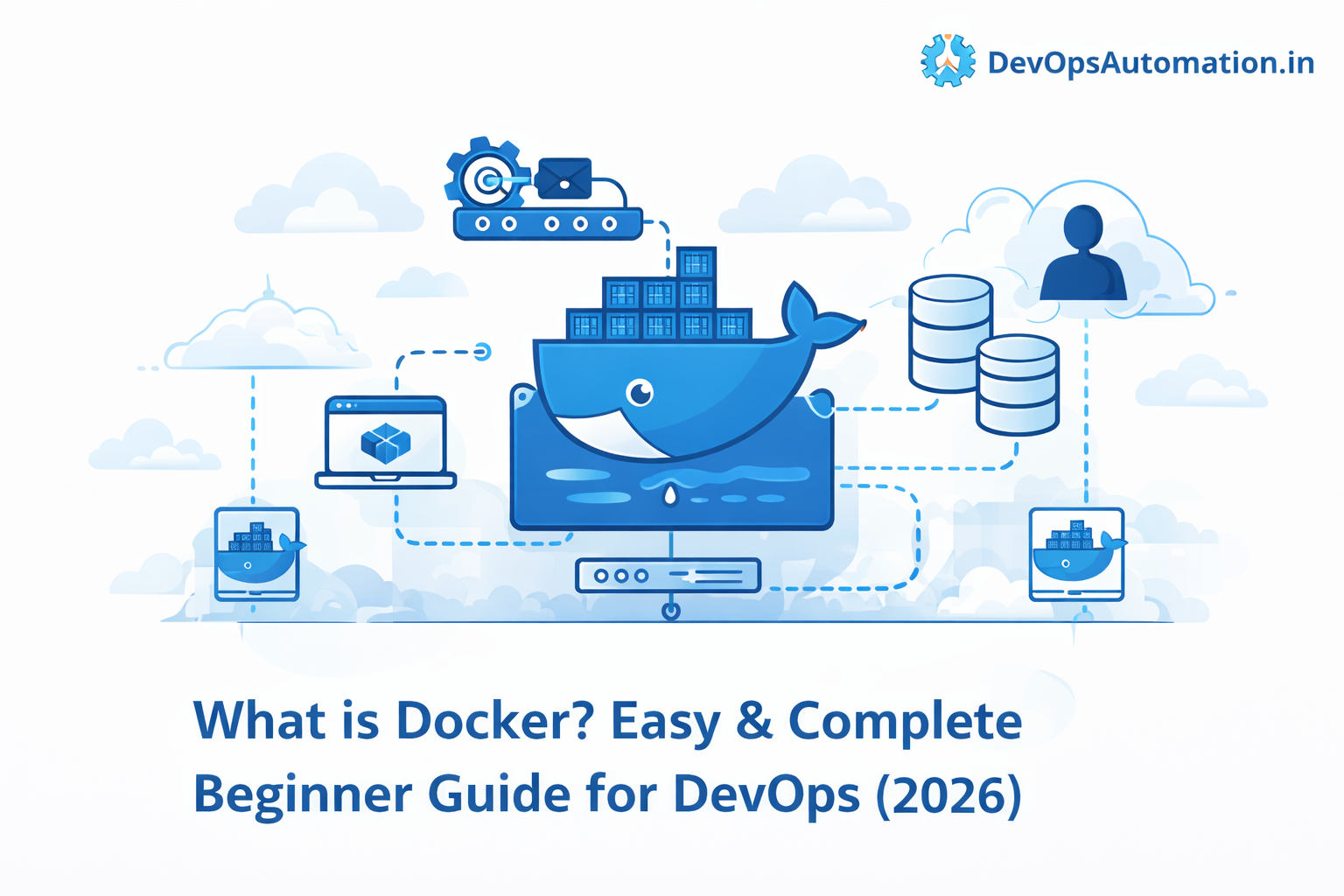
Modern software development requires applications to run consistently across different environments. Developers often face issues where an application works perfectly on one machine but fails on another due to differences in operating systems, libraries, or configurations. Docker was created to solve this problem.
If you are learning DevOps in 2026, understanding what Docker is and how containers work is essential. Docker has become one of the most important tools in DevOps because it simplifies application deployment, improves environment consistency, and enables scalable microservice architectures.
In this beginner-friendly guide, we will explain what Docker is, how it works, why DevOps engineers use it, and how it fits into modern CI/CD pipelines.
? What is Docker?
Docker is an open-source platform that allows developers to build, package, and run applications inside lightweight containers. These containers include everything an application needs to run, such as code, libraries, dependencies, and runtime environments.
In simple terms:
What is Docker?
Docker is a platform that packages applications and their dependencies into containers so they can run reliably on any system.
Instead of installing software directly on a server or virtual machine, Docker allows applications to run inside isolated containers. This ensures that the application behaves the same way across development, testing, and production environments.
Docker containers are lightweight, portable, and faster to deploy compared to traditional virtual machines.
? Why Docker Was Created
Before Docker, developers and operations teams often struggled with environment inconsistencies. An application that worked on a developer’s laptop might fail when deployed to a testing server or production environment.
Common issues included:
- Missing libraries
- Different OS configurations
- Version conflicts
- Dependency mismatches
- Configuration differences
These issues caused the famous problem:
“It works on my machine!”
Docker solves this by packaging the entire application environment into a container. Once an application is containerized, it will run the same way anywhere Docker is installed.
This consistency is one of the main reasons why Docker became a core technology in DevOps workflows.
?? How Docker Works
To understand what Docker is, it helps to understand how Docker runs applications.
Docker uses containerization technology to create isolated environments. Containers share the host operating system kernel but run independently from each other.
A typical Docker workflow looks like this:
- Developer writes application code
- Application dependencies are defined in a Dockerfile
- Docker builds an image
- The image is used to run containers
- Containers run the application consistently anywhere
Because containers are lightweight and portable, they can be deployed quickly across different environments.
? Core Components of Docker
Docker consists of several important components that work together to run containerized applications.
? Docker Engine
Docker Engine is the core runtime that builds and runs containers. It includes the Docker daemon, Docker CLI, and APIs.
? Docker Images
Docker images are read-only templates that contain the application code, runtime, libraries, and dependencies required to run an application.
Images act as the blueprint for containers.
? Docker Containers
Containers are running instances of Docker images. Each container runs an isolated application environment.
? Dockerfile
A Dockerfile is a configuration file that contains instructions to build a Docker image.
? Docker Registry
Docker images are stored and shared through registries such as Docker Hub or private container registries.
? Docker Containers vs Virtual Machines
A common question beginners ask is:
What is Docker compared to virtual machines?
Both technologies provide isolated environments for applications, but they work differently.
| Feature | Docker Containers | Virtual Machines |
|---|---|---|
| OS | Share host OS kernel | Each VM has its own OS |
| Startup Time | Seconds | Minutes |
| Resource Usage | Lightweight | Heavy |
| Performance | Faster | Slower |
| Deployment | Easy and portable | More complex |
Containers are more efficient because they do not require a full operating system for each instance.
This makes Docker ideal for modern cloud-native applications.
? How Docker Works in Modern Cloud Environments
Understanding what is Docker becomes even more important when working with cloud platforms such as AWS, Azure, or Google Cloud. Modern applications are rarely deployed on a single server. Instead, they run across multiple environments such as development, staging, and production. Docker helps DevOps teams maintain consistency across these environments.
When developers containerize an application using Docker, the container includes everything required to run the application. This means the same container can run on a developer's laptop, a testing server, or a cloud infrastructure without modification. This portability is one of the biggest advantages when learning what is Docker and why it has become a standard tool in DevOps workflows.
In cloud environments, Docker containers are often deployed on virtual machines, container platforms, or orchestration tools like Kubernetes. This combination of Docker and cloud infrastructure allows organizations to scale applications quickly and manage workloads efficiently.
? Benefits of Using Docker in DevOps Pipelines
To fully understand what is Docker, it is helpful to see how it improves DevOps pipelines. DevOps focuses on automating software delivery while maintaining reliability and speed. Docker plays a major role in this process.
Here are some major advantages Docker brings to DevOps pipelines:
Faster Application Deployment
Docker containers start in seconds because they share the host operating system kernel. Unlike virtual machines, which require a full OS boot, Docker containers are lightweight and fast. This allows teams to deploy applications quickly and scale services when traffic increases.
Environment Consistency
One of the biggest challenges in software development is maintaining consistency across environments. Docker solves this by packaging applications with their dependencies. When someone asks what is Docker used for, environment consistency is often the first answer.
Simplified Application Packaging
Docker allows developers to bundle applications and dependencies into a single container image. This image can be shared with other developers or deployed directly into production environments. The container image becomes the standard unit of deployment.
Improved Collaboration Between Teams
Docker bridges the gap between development and operations teams. Developers can build Docker images locally, and operations teams can deploy those same images to production servers. This ensures everyone is working with the same application environment.
? Docker in DevOps Workflows
Docker fits naturally into DevOps workflows because it simplifies application packaging and deployment.
A typical DevOps pipeline using Docker looks like this:
- Developer commits code to Git repository
- CI pipeline builds Docker image
- Image is stored in container registry
- CD pipeline deploys container to server or cloud
- Application runs in a consistent environment
This process allows teams to automate application delivery while maintaining reliability.
? Real DevOps Use Cases of Docker
Understanding what Docker is becomes easier when you see real-world examples.
CI/CD Pipelines
Docker containers are commonly used in CI/CD pipelines to run builds and automated tests.
Microservices Architecture
Each microservice can run inside its own Docker container.
Development Environments
Developers can quickly create local environments using Docker containers.
Application Packaging
Docker allows applications to be packaged and distributed easily.
Cloud Deployments
Containers are widely used for deploying applications to cloud platforms.
? Docker Architecture Explained
Docker architecture includes several components working together to manage containers.
Main components include:
- Docker Client
- Docker Daemon
- Docker Engine
- Docker Images
- Docker Containers
- Docker Registries
The Docker client communicates with the Docker daemon to build, run, and manage containers.
Docker images are pulled from registries and used to create containers that run applications.
? Docker and Microservices Architecture
Another reason understanding what is Docker is important is its role in microservices architecture. Modern applications are often built as a collection of small services instead of a single large application.
Each microservice can run inside its own Docker container. This provides several benefits:
- Independent deployment of services
- Better scalability
- Fault isolation
- Faster development cycles
For example, an application might consist of several services such as a web server, API service, database service, and background worker. Each of these services can run in separate Docker containers while communicating with each other through network interfaces.
This modular architecture allows teams to update individual components without affecting the entire system.
?? Docker and Cloud-Native Applications
Many organizations today build cloud-native applications, and Docker is a fundamental part of that ecosystem. Cloud-native applications are designed to run in containerized environments and scale dynamically based on demand.
Understanding what is Docker helps DevOps engineers deploy applications more efficiently on cloud platforms. Docker containers can run on:
- Virtual machines
- Container orchestration platforms
- Managed cloud container services
Because containers are portable, the same Docker image can run across different cloud providers. This portability allows organizations to adopt multi-cloud strategies and avoid vendor lock-in.
? Security Considerations in Docker
Although Docker containers provide isolation, security best practices must still be followed.
Important Docker security practices include:
- Using trusted base images
- Keeping images updated
- Avoiding root containers
- Scanning images for vulnerabilities
- Limiting container permissions
Proper security practices help prevent vulnerabilities in containerized applications.
