What is AWS EC2? Simple & Complete Beginner Guide with Real DevOps Use Cases (2026)
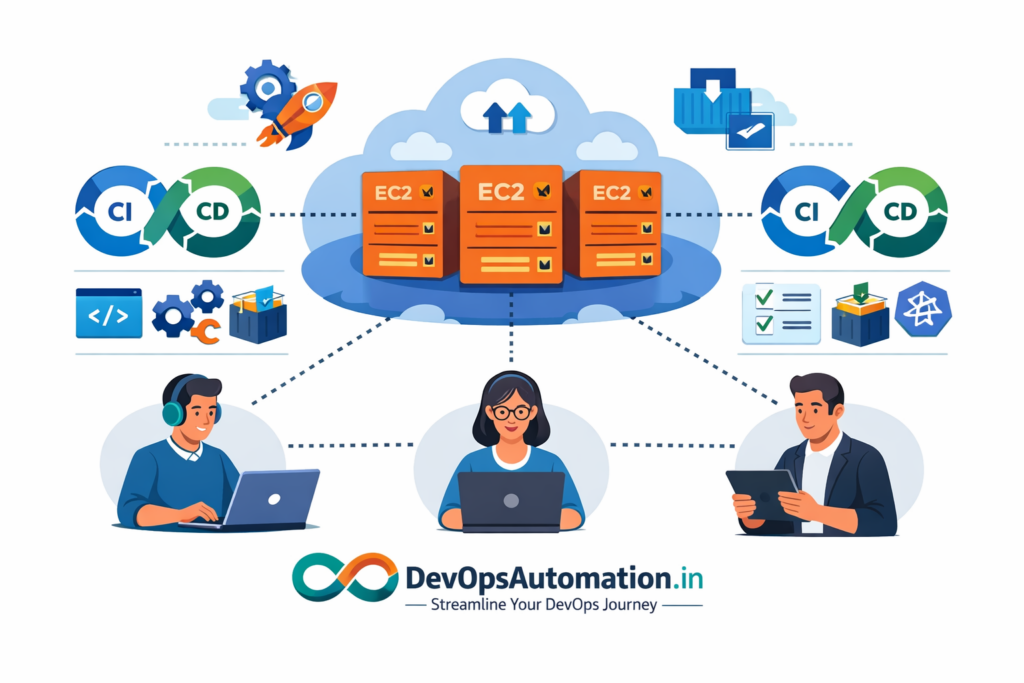
If you’re starting your cloud journey, one service you’ll hear about again and again is AWS EC2 (Elastic Compute Cloud). EC2 is the backbone of many real-world applications, CI/CD pipelines, and DevOps workflows running on AWS today. Whether you’re hosting a simple website, running Jenkins, or deploying containerized applications, EC2 is often the first compute service you’ll use in the cloud.
In this complete beginner-friendly guide, you’ll learn:
- What AWS EC2 is (in simple terms)
- How EC2 works behind the scenes
- Key EC2 components you must understand
- Real DevOps use cases of EC2
- EC2 instance types and pricing basics
- Security best practices for EC2
- Common beginner mistakes
- A practical learning roadmap for DevOps beginners

? What is AWS EC2? (Simple Explanation)
AWS EC2 (Elastic Compute Cloud) is a cloud service that provides virtual servers, known as instances, that you can launch and manage on demand. Instead of purchasing and maintaining physical servers, you rent computing resources from AWS and scale them up or down whenever needed.
In simple words:
AWS EC2 lets you run virtual machines in the cloud to host applications, tools, and services.
For DevOps engineers, EC2 is commonly used to host:
- Web and API servers
- CI/CD tools like Jenkins
- Docker workloads
- Monitoring and logging stacks
- Temporary test and staging environments
EC2 gives you full control over the operating system and runtime environment, making it flexible for many DevOps scenarios.
?? How AWS EC2 Works (Behind the Scenes)
AWS operates massive data centers across multiple regions and availability zones worldwide. When you launch an EC2 instance:
- You choose a region and availability zone
- You select an AMI (operating system image)
- You pick an instance type (CPU, RAM)
- You configure storage and networking
- AWS provisions a virtual machine on physical hardware
- You access the instance via SSH or browser
This process takes only a few minutes, compared to days or weeks with traditional on-premise servers.

? Core Components of AWS EC2
? EC2 Instances
Virtual servers that run your workloads.
? AMIs (Amazon Machine Images)
Pre-built OS images used to launch instances.
? Instance Types
Different sizes optimized for compute, memory, or general workloads.
? EBS (Elastic Block Store)
Persistent storage attached to EC2 instances.
? Security Groups
Virtual firewalls controlling inbound and outbound traffic.
? Key Pairs
Secure SSH access to instances.
? Real DevOps Use Cases of AWS EC2
1?? Hosting CI/CD Servers (Jenkins on EC2)
Many DevOps teams host Jenkins on EC2 to manage CI/CD pipelines. EC2 provides flexibility to scale compute resources based on build workloads. This is especially useful when pipeline traffic varies.
2?? Running Application Servers
EC2 instances host backend services, APIs, and microservices. Teams can quickly scale instances based on traffic.
3?? Docker on EC2
Before moving to managed container platforms, teams often run Docker directly on EC2. This provides control over the container runtime and environment.
4?? Test & Staging Environments
EC2 is ideal for spinning up temporary test environments that can be destroyed after testing, saving costs.
5?? Monitoring and Logging
Monitoring stacks can run on EC2 to observe application performance, collect logs, and trigger alerts.
? EC2 Instance Types (Beginner Overview)
EC2 offers multiple instance families:
- General purpose – Balanced compute and memory
- Compute optimized – High CPU workloads
- Memory optimized – In-memory databases, caching
- Storage optimized – High disk I/O workloads
Choosing the right instance type is part of performance and cost optimization in DevOps.
? EC2 Pricing Models (Beginner-Friendly)
EC2 pricing is flexible and usage-based:
- On-Demand – Pay per second/minute (no commitment)
- Reserved Instances – Lower cost for long-term usage
- Spot Instances – Cheapest option for flexible workloads
DevOps teams often mix these pricing models to balance cost and reliability.
? Security Best Practices for AWS EC2
- Restrict SSH access using security groups
- Use IAM roles instead of hardcoded credentials
- Keep OS and packages updated
- Enable logging and monitoring
- Avoid exposing sensitive ports publicly
?? Common Beginner Mistakes with EC2
- Leaving instances running and incurring costs
- Opening SSH to the entire internet
- Not setting up key pairs securely
- Forgetting to back up data
- Hardcoding secrets in configuration files
Avoiding these mistakes saves money and improves security.
? EC2 in CI/CD and Cloud-Native DevOps
EC2 integrates naturally with CI/CD pipelines. A typical DevOps workflow might look like:
- Code pushed to Git
- CI/CD pipeline builds and tests
- Application deployed to EC2
- Monitoring and logging observe health
This allows DevOps teams to automate infrastructure provisioning and deployments.
? Launching and Managing EC2 Instances (Beginner Workflow)
When beginners ask what is AWS EC2 in practical terms, the best way to understand it is by launching and managing an EC2 instance themselves. The typical workflow starts with selecting an Amazon Machine Image (AMI), choosing an instance type based on resource needs, configuring networking and security rules, and attaching storage volumes. Once an instance is running, you can connect to it securely using SSH and begin installing your applications or DevOps tools.
Managing instances includes starting, stopping, rebooting, and terminating EC2 resources as required. Understanding what is AWS EC2 also means knowing how to manage the lifecycle of these instances efficiently. DevOps engineers often automate instance management to reduce manual effort and control cloud costs. For example, non-production environments can be scheduled to shut down outside working hours to save money.
?? Automating EC2 with Scripts and Configuration Management
Automation is a core part of DevOps. To truly understand what is AWS EC2 beyond just clicking buttons in the AWS console, beginners should learn how to automate EC2 provisioning and configuration. When an EC2 instance starts, initialization scripts can automatically install required packages, configure system settings, and deploy application code.
This automated bootstrapping ensures consistency across environments and reduces configuration drift. DevOps teams rely on automation to scale environments quickly and reliably. Learning what is AWS EC2 in automated workflows prepares beginners to work with real-world CI/CD pipelines where infrastructure provisioning is part of the deployment process.
? Scaling Applications on EC2 (Horizontal vs Vertical Scaling)
Understanding what is AWS EC2 also involves understanding how applications scale on cloud compute resources. EC2 supports both vertical and horizontal scaling. Vertical scaling increases the size of an instance, while horizontal scaling adds more instances to distribute load.
In production DevOps environments, horizontal scaling is preferred because it improves availability and fault tolerance. Load balancers distribute incoming traffic across multiple EC2 instances to prevent any single server from becoming a bottleneck. When beginners understand what is AWS EC2 in the context of scalable architectures, they gain insight into how cloud platforms handle real-world traffic spikes and performance demands.
? Blue-Green and Rolling Deployments on EC2
A key DevOps principle is releasing software without downtime. To understand what is AWS EC2 in deployment scenarios, beginners should learn deployment strategies such as blue-green deployments and rolling updates. In blue-green deployments, two separate EC2 environments run side by side, allowing teams to switch traffic between application versions seamlessly.
Rolling deployments update EC2 instances gradually, minimizing risk by detecting issues early. These strategies reduce downtime and improve reliability in production systems. Learning what is AWS EC2 in the context of deployment strategies builds strong foundations for advanced DevOps practices and prepares engineers for container orchestration platforms later.
? Testing and Temporary Environments Using EC2
Another practical way to learn what is AWS EC2 is by using EC2 to create temporary environments for testing and experimentation. DevOps teams frequently spin up EC2 instances for integration testing, load testing, and feature validation. These environments closely resemble production, which improves test reliability.
Once testing is complete, instances can be terminated to avoid unnecessary cloud costs. Understanding what is AWS EC2 in ephemeral environments highlights one of the biggest advantages of cloud computing: the ability to create and destroy infrastructure on demand. This flexibility is a core benefit for DevOps teams practicing continuous delivery.
? Cost Optimization Best Practices for EC2
Cost optimization is a practical concern when learning what is AWS EC2 in real-world scenarios. EC2 costs can increase quickly if instances are oversized or left running unnecessarily. DevOps teams implement cost management practices such as rightsizing instances, scheduling non-production instances to stop during off-hours, and choosing pricing models that match workload requirements.
Monitoring resource utilization helps teams identify underused EC2 instances and optimize spending. Understanding what is AWS EC2 also includes understanding how to operate EC2 efficiently without wasting cloud budget. This financial awareness is an important skill for DevOps engineers in production environments.
? Hardening EC2 for Production Environments
When moving be
